

Church Bulletin & Announcements
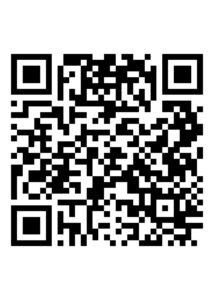
ABNEYCHAPEL.ORG
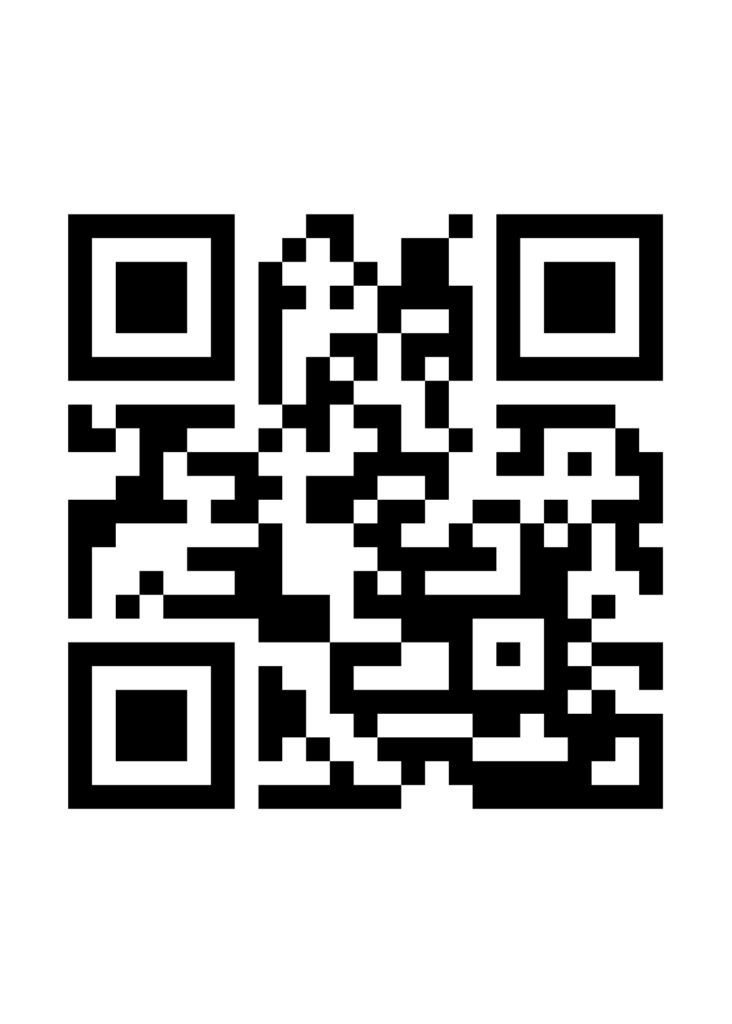
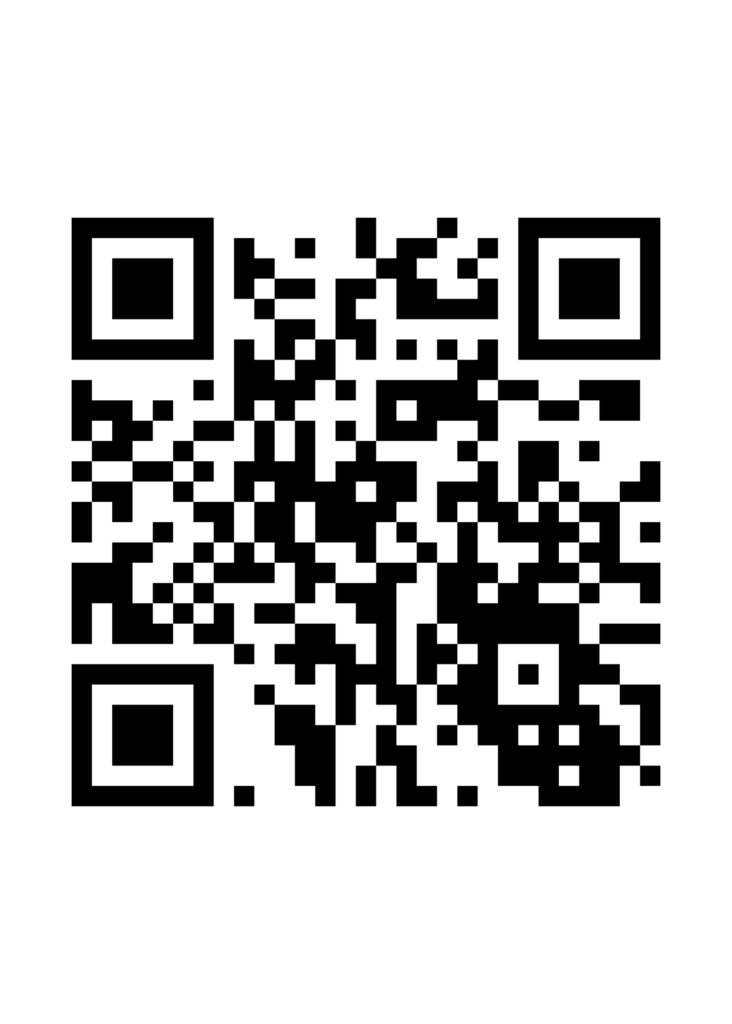
Option 1:
- Tap the “camera” icon on your phone.
- Hold your camera over the QR Code and a yellow “abneychapel.org” label will appear.
- Simply touch it with your finger and the Church Bulletin will show.
Option 2:
- Go to your app store.
- In your search window, type “QR Code Reader”
- Choose and download to your phone the reader of your choice.
- From your phone screen, find the QR Code Reader icon that you downloaded.
- Hold it over the code and access the bulletin.
Option 3:
- Go to “abneychapel.org/bulletin“
Option 4:
- Go to “abneychapel.org” and click on the “Bulletin and Announcements” icon in left column.
The codes will be placed on the back of the pews in the sanctuary, and on the Facebook and YouTube screens for those watching the service from other locations.